5 Google Workspace Hacks for Saving Time This Week
Five quick wins in Docs, Sheets, and Gmail you can put to work before Friday's bell.
Read article →
Curated tutorials, tools, and session materials from Crystal Sizemore, Technology Director.
Click a category to see its resources.
Every issue archived and one click away.
Website visits and district compliance.
Google Explore Tab and more.
Website updates and refreshes.
Flipping the classroom with Flip.
Survey Says + more tips.
Digital Bulletin Boards + end-of-semester tips.
Hidden Google Search tools (dice, spinner, metronome, breathing exercise) plus ClassEquity classroom jobs.
Rewordify for reading levels plus a keyboarding site round-up (Dance Mat Typing, Nitro Type, Typing Club, Typing.com).
Where Crystal goes to learn new tech tips — IntegratED Teacher, RonnieLovesTech, ShakeUpLearning, and more.
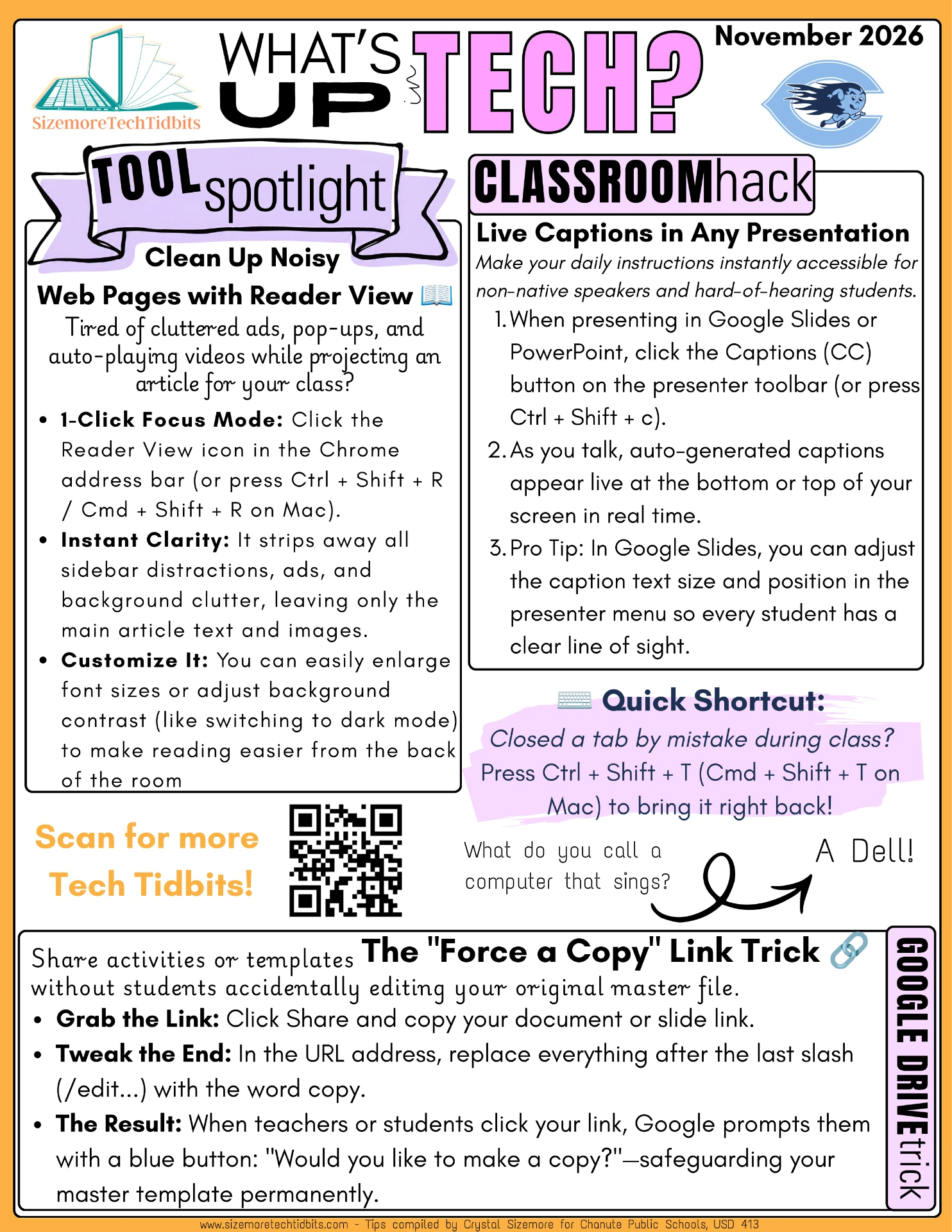
Bite-sized PD you can read anywhere. Launch issue with foundational classroom tech tips and terms to know.
Whirly Swirly image hooks with LunaPic, blurring photos in Canva, searching images by color, and ChatGPT ideas for teachers.
Pixel Picture hook activity, adjusting text width in Google Docs, and 3 ways to animate Google Slides (loop links, GIFs, and screen recording).
Erase people and clutter from photos with Cleanup.pictures, hide the filmstrip in Google Slides, and a Tech Spotlight on Educandy mini-games.
Tech Spotlight on making GIFs (andtheniwaslike.co, brush.ninja) plus a translation-messaging app for teacher/parent comms.
Watch quick tech tutorials and walkthroughs.
@sizemoretechtidbits
YouTube · Tutorials
Short, classroom-ready walkthroughs on Google Workspace, Canva, Thrillshare, and the tools teachers use every day.
Subscribe on YouTube →Short reads on the tools teachers ask about.
Five quick wins in Docs, Sheets, and Gmail you can put to work before Friday's bell.
Read article →